Conversion Status
In order for affiliates to earn commissions from the conversions they generated, each conversion must first be approved.
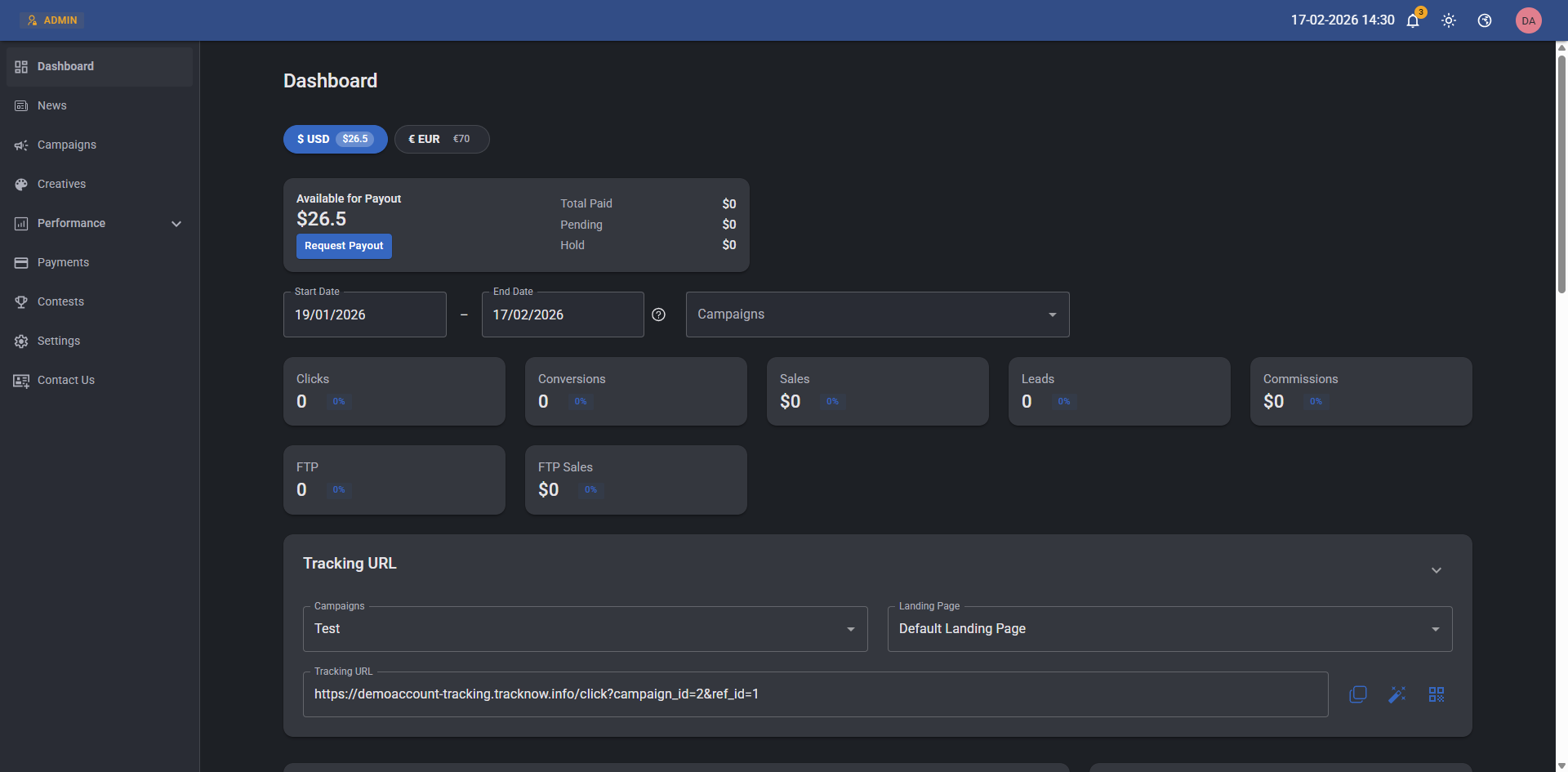
The approval process involves updating the conversion status to Approved. Only commissions from approved conversions will appear under Available to Payout, and affiliates can request payouts only for those.
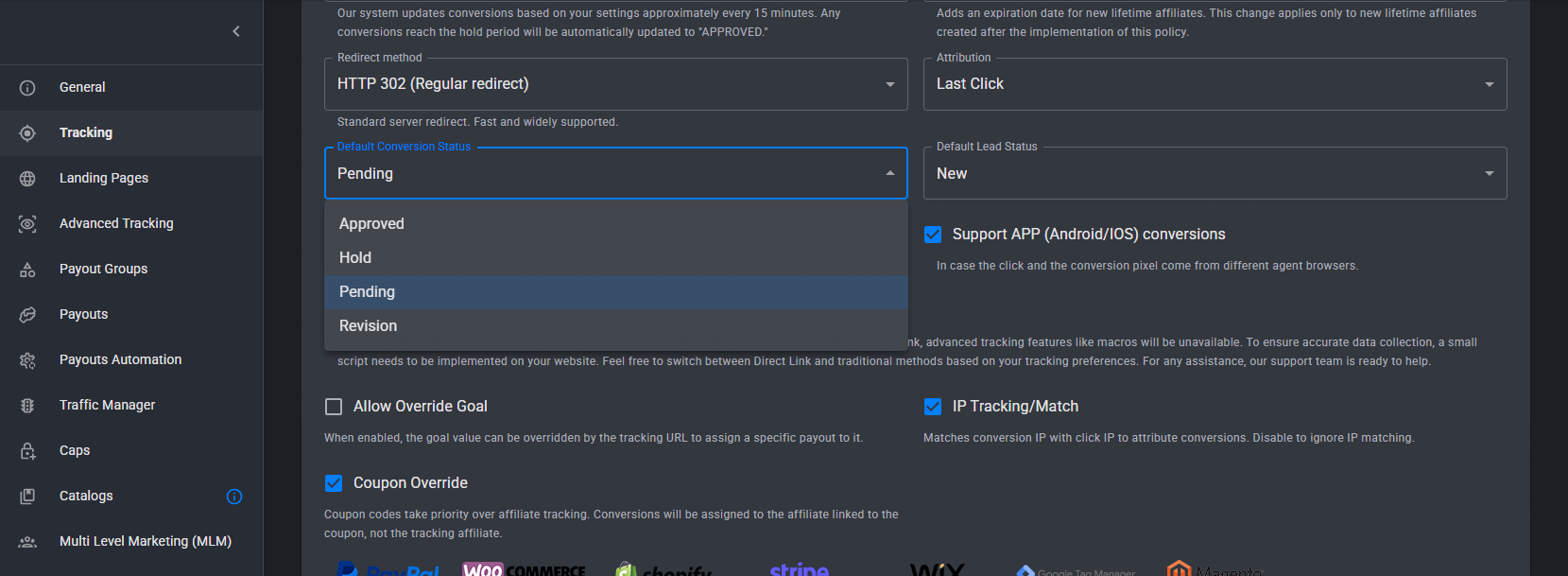
You can also change the default status by going to Campaign → Edit → Tracking and updating the Default Conversion Status.
Statuses
- Approved – Once a conversion is marked as approved, the corresponding commission becomes available for the affiliate to request a payout.
- Hold – A temporary status that keeps the conversion on hold for a predefined time period. If no action is taken during this period, the conversion will be automatically approved once the time expires. (Visible to the affiliate)
- Pending - Commissions for pending conversions are not available yet to the corresponding affiliates, requires manual approval. (Visible to the affiliate)
- Denied - Affiliates will not receive commissions for denied conversions.
- Revision - Commissions for conversions under revision are not available to the corresponding affiliates, requires manual approval. (Conversions are not visible to the affiliate)
- Test - A status for conversions that were made as tests - commissions will not be available for the affiliate. (Visible to the affiliate)
- Processing – A status automatically assigned to conversions when a payment request is submitted for the commissions earned from those conversions. Conversions marked as Processing cannot be edited or modified. Once the payment request is approved, the conversion status is automatically updated to Paid. If the payment request is denied, the conversions revert to the Approved status.
- Paid – A status automatically assigned to conversions once a payment request for those conversions has been approved. Conversions marked as Paid are finalized and can no longer be edited or modified.
Updating a Conversion's Status
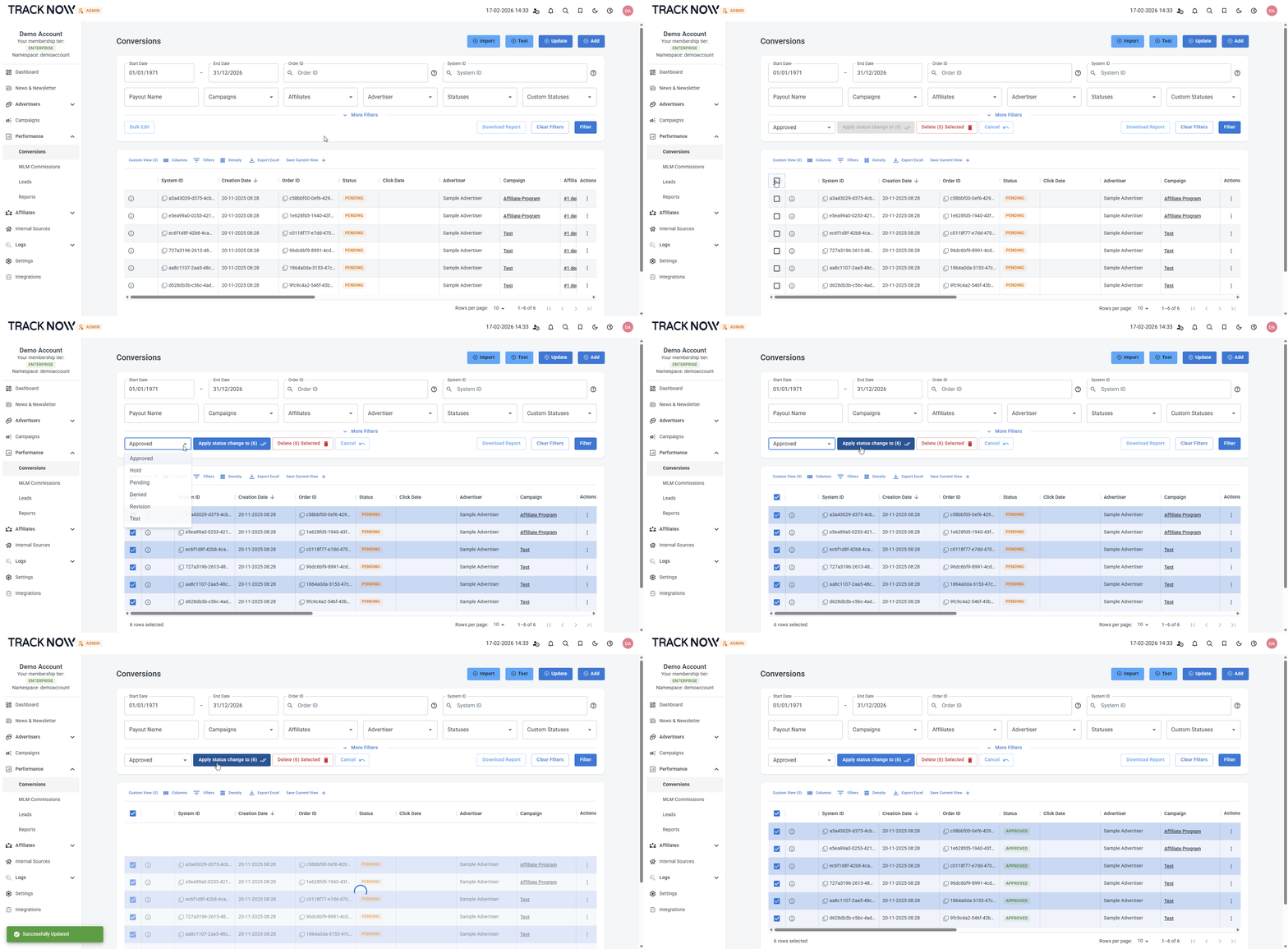
On your admin dashboard, go to the Conversions screen.
Use the available filters to narrow down the results. For example, you can filter by a specific affiliate if you want to review and approve their conversions in bulk.
Click the Bulk Edit button, then check the boxes next to the conversions you want to update. Select the desired status, and click the Apply status change to button to confirm.