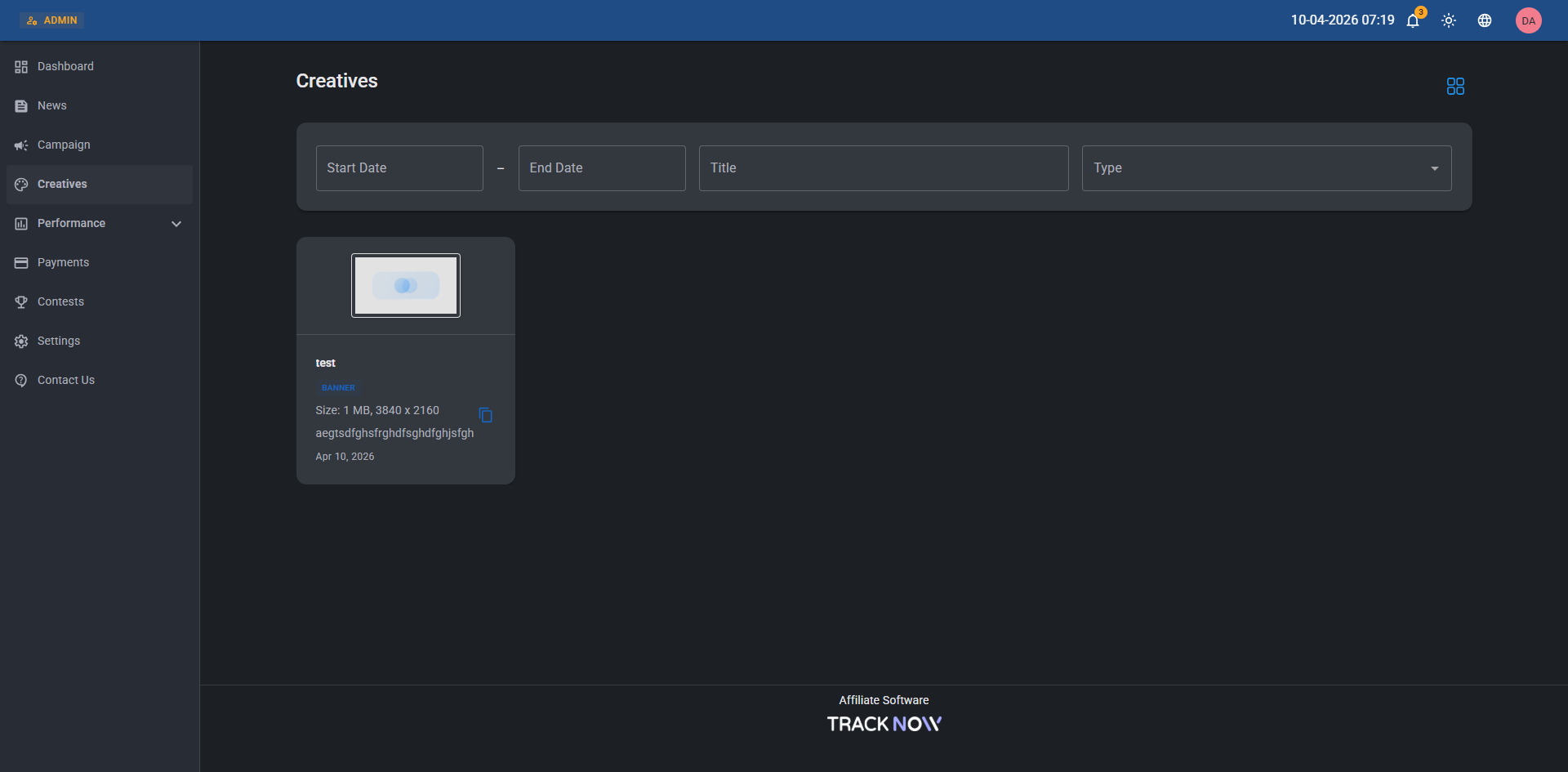
Creatives
Each campaign includes a dedicated Creatives section, where you can upload and manage promotional assets for affiliates to use in their marketing efforts.
Creatives can be shared with all affiliates in the campaign or restricted to selected affiliates only.
Supported Types:
| Type | Description |
|---|---|
| Banner | Image files: Tracknow automatically generates a clickable, trackable HTML snippet for each image, allowing affiliates to easily embed it on their website. |
| HTML | HTML files: You can either paste your HTML code directly into the code field or drag and drop an HTML file into the code block for easy upload. |
| HTML files meant to be sent as emails: You can either paste your HTML code directly into the code field or drag and drop an HTML file into the code block for easy upload. | |
| Link | URLs: Add links to relevant pages or files that you want affiliates to have access to. |
| Video | Video files: Upload video assets that affiliates can download and use in their promotions. |
| Coupon | Coupon codes: Share general-use coupon codes that affiliates can promote (distinct from unique, affiliate-specific codes used for attribution). |
| ZIP | Any file type: Upload files in a compressed ZIP format for easy distribution and download. |
| HTML5 | ZIP files: Upload a ZIP file containing your HTML5 creative, with the index.html file located at the root of the archive. |
Adding Creatives to a Campaign
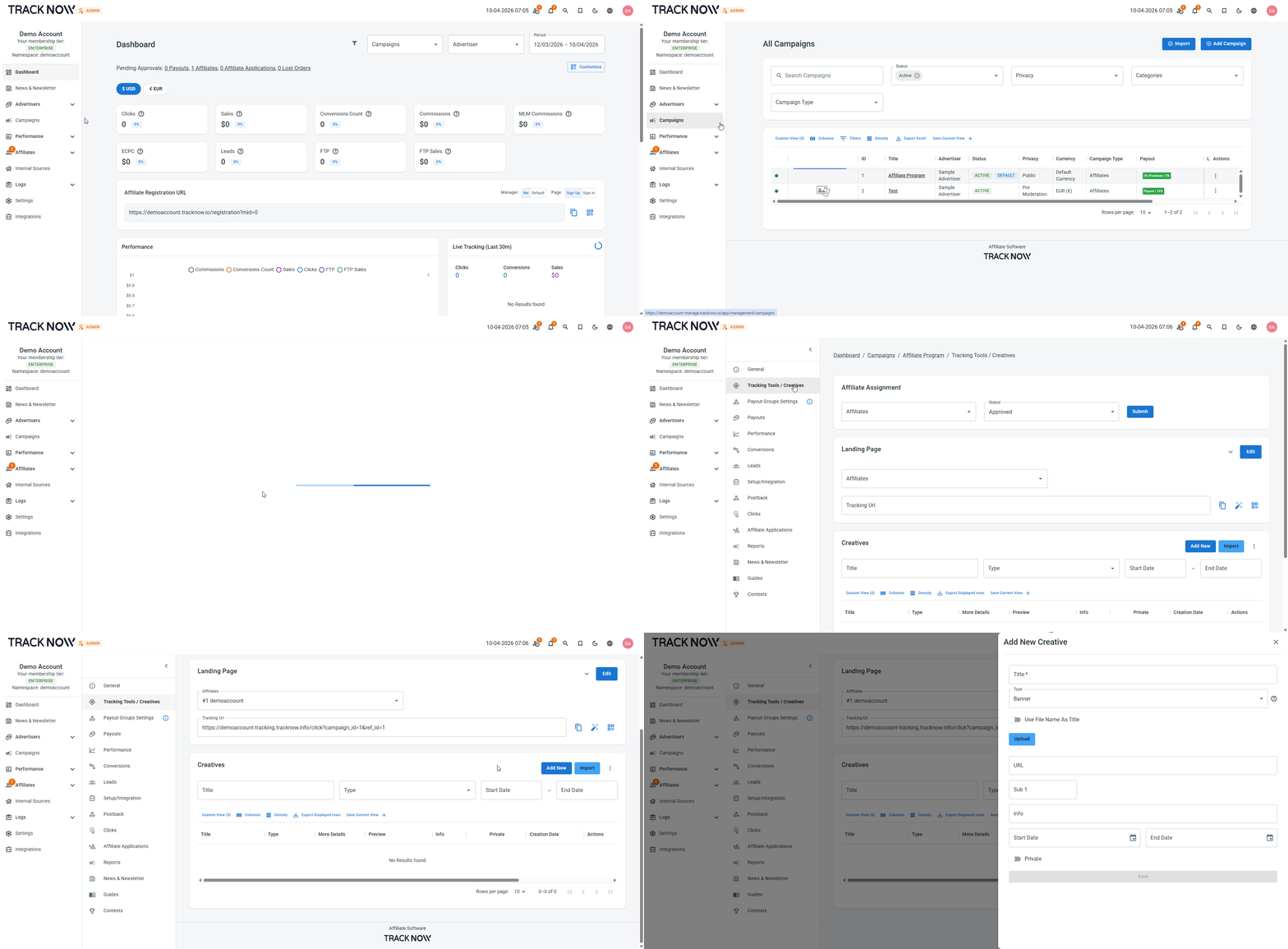
Navigate to Campaigns → Click on the name of the relevant campaign → Tracking Tools / Creatives → Add New
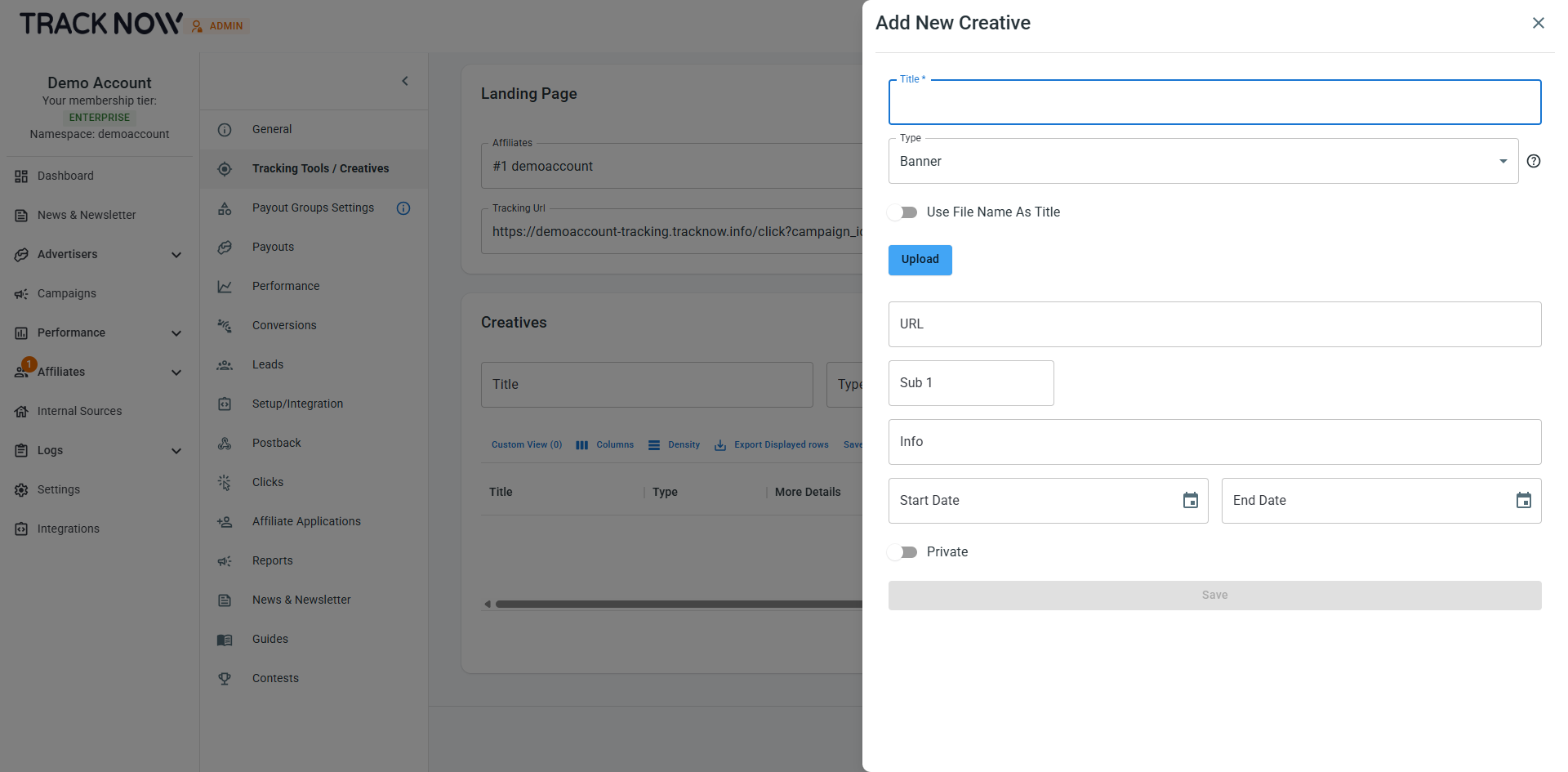
| Field | Description |
|---|---|
| URL (Optional) | For clickable creatives, you can specify a destination URL for users to be directed to. If no URL is provided, the campaign’s default landing page will be used. |
| Sub 1 (Optional) | Pass a value in the sub1 parameter to append it to the tracking link and store it with the click record. |
| Info (Optional) | Description for the creative (visible to affiliates) |
| Start/End Date (Optional) | Set a start and/or end date to control when the creative is visible to affiliates, making it available from a specific date and automatically hiding it once the end date is reached. |
| Private (Optional) | When disabled, the creative is available to all affiliates. When enabled, you can restrict access by selecting specific affiliates. |
Where Affiliates Can Access the Creatives
Affiliates can view available creatives in the Creatives section of their affiliate portal.