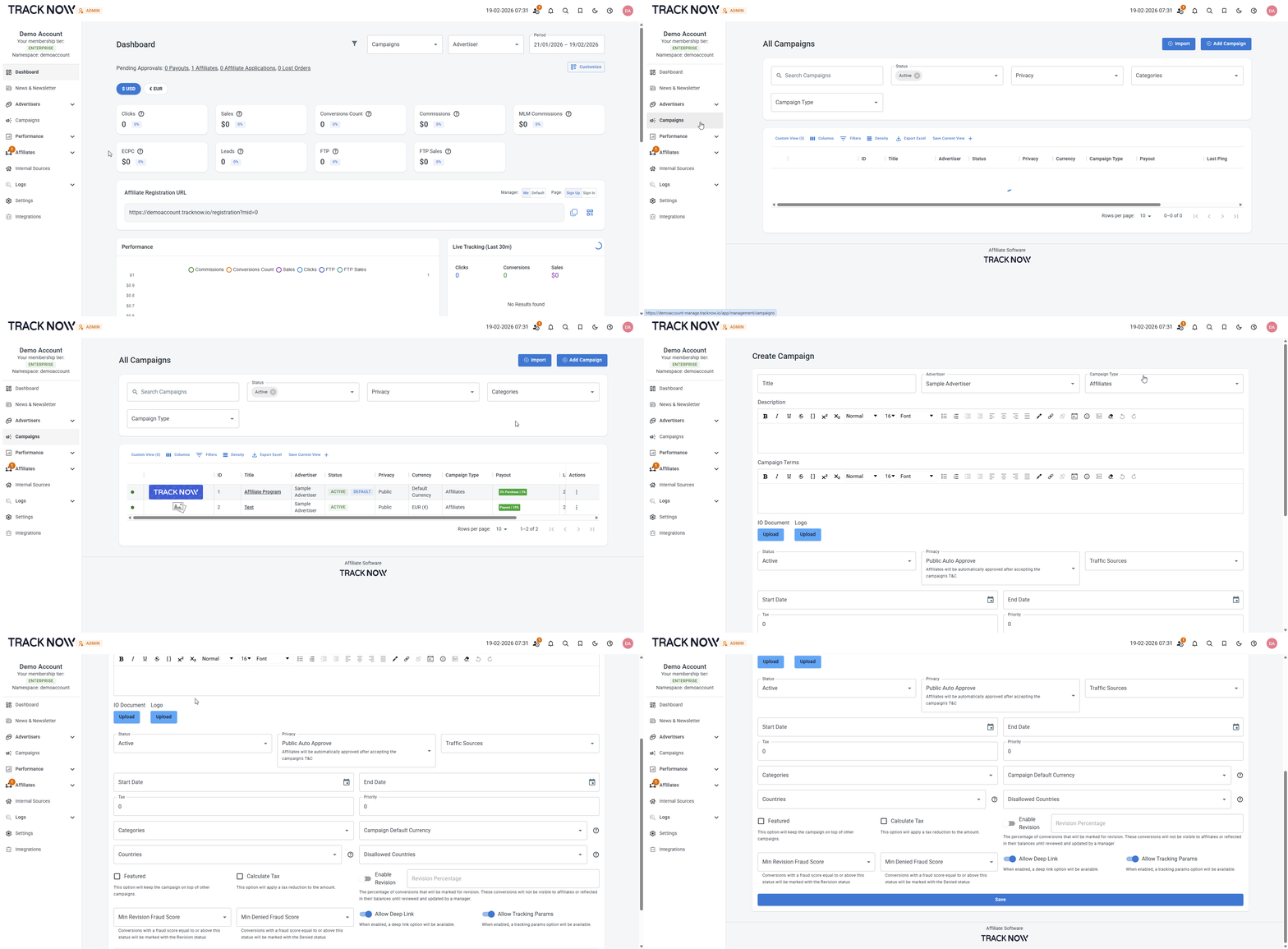
Creating Campaigns
Campaigns are the core unit for configuring and managing your affiliate program.
Typically, a separate campaign is created for each website where tracking is implemented. However, multiple campaigns can also be used for the same website when different setups or objectives are required.
Within a campaign, you can control:
- Which affiliates are eligible to participate
- Which landing pages affiliates can promote
- What tracking parameters are passed to each landing page
- The commission structure and payout terms
- Affiliate contests and performance incentives
Campaigns Screen
Navigate to Campaigns
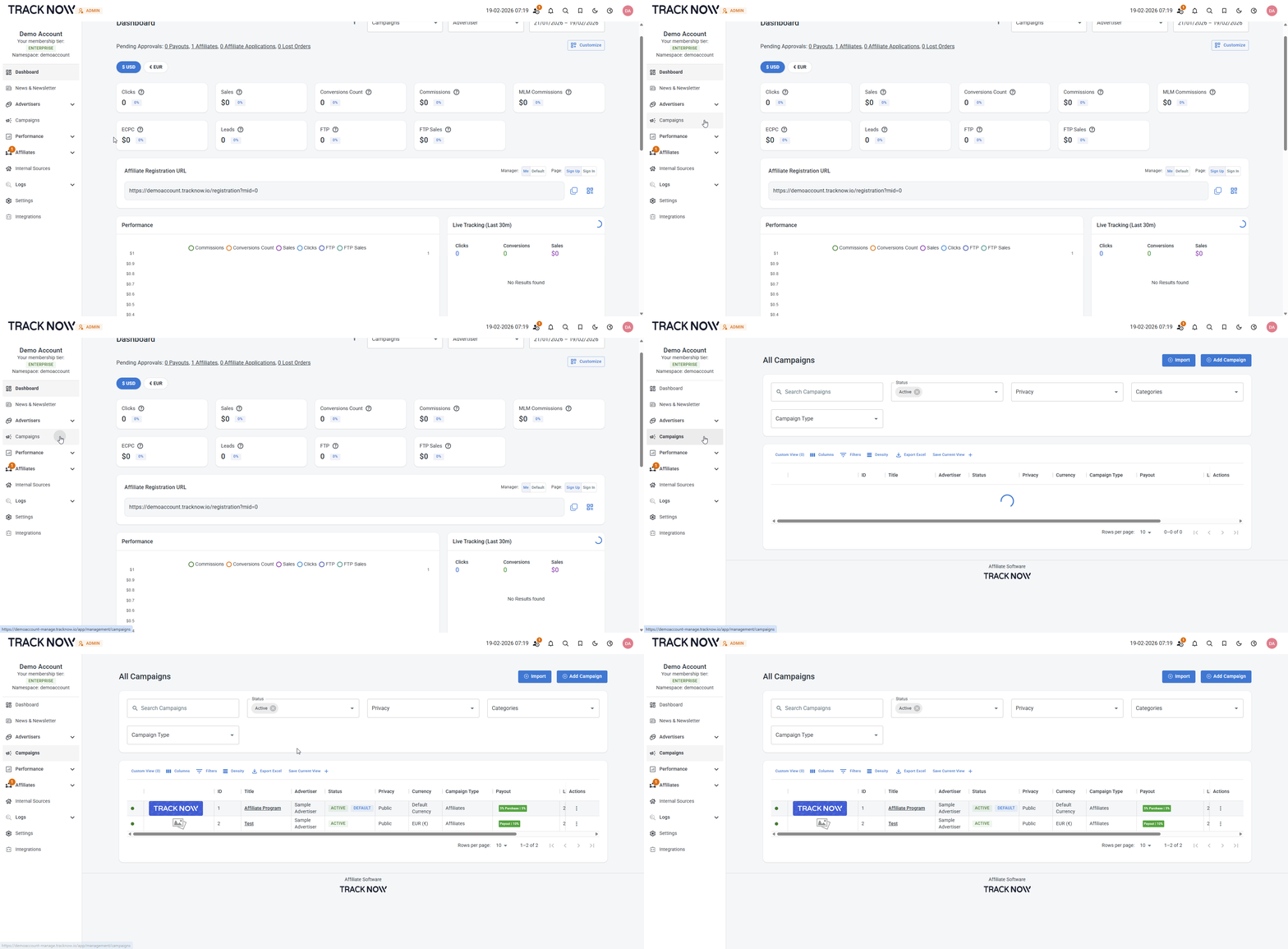
This screen displays the complete list of your campaigns.
From here, you can create new campaigns, edit existing ones, and manage their status, including activating, pausing, or disabling them.
You can also use the filter bar to quickly locate specific campaigns.
Creating a New Campaign
Navigate to Campaigns → Click Add Campaign